











How to Pack a TV and Home Electronics for a Move: A Chicago Guide
How to Pack a TV and Home Electronics for a Move
Your TV costs more than most furniture in the room, yet it usually gets the least planning on moving day. One bad bump and a cracked panel or dead pixel zone shows up at your new address. The good news is that electronics are easy to protect once you know the order of operations. This guide walks you through every device, from the big screen to the tiny remote.
Start Here: The Five Minute Prep That Saves Hours
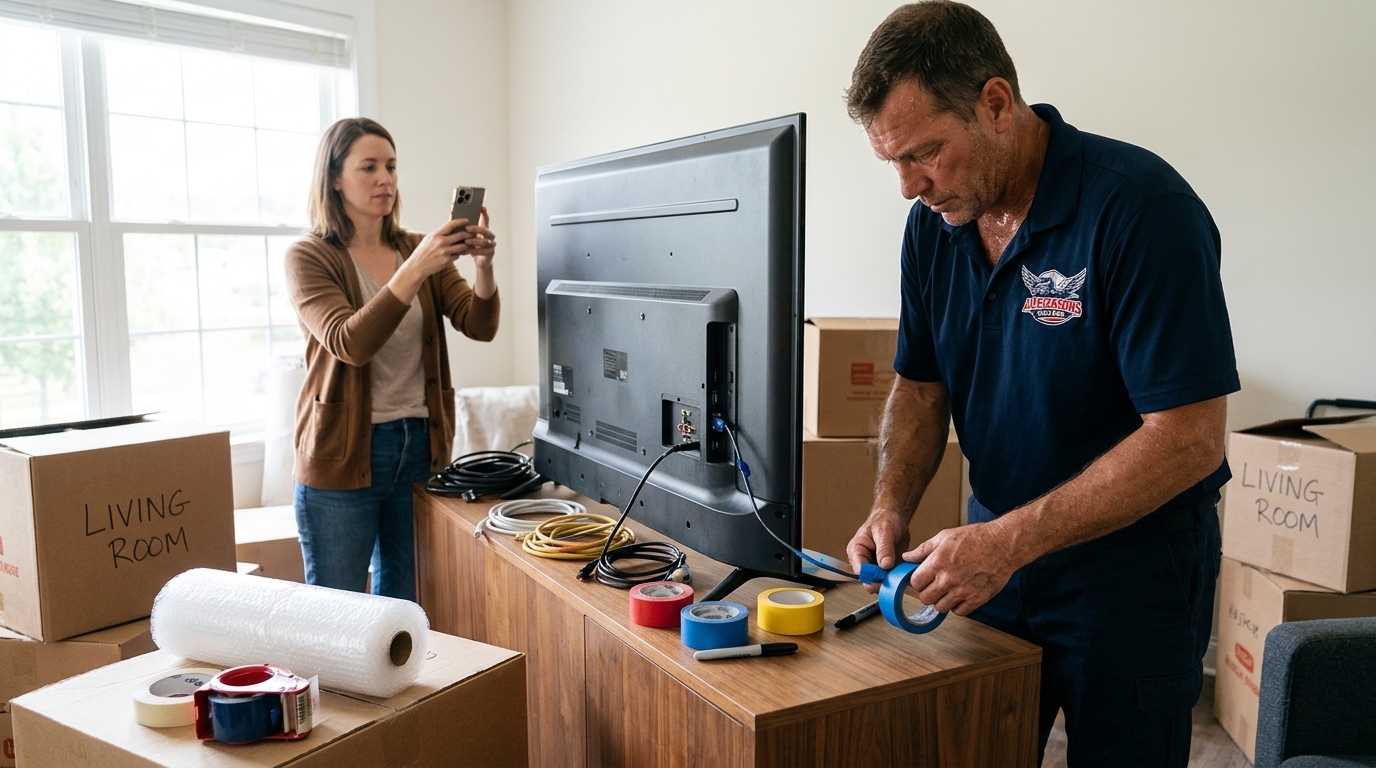
Before a single cable comes out, take a clear photo of the back of every setup. Then label each cord with colored tape or numbered tags so nothing becomes a mystery later, a method MoveAdvisor recommends. Keep cables with their matching device instead of tossing them into one junk box. Finally, back up your data and turn on location tracking such as Find My on phones and laptops, a step Moving Place suggests in case anything goes missing in transit.
How to Pack a TV Without Cracking the Screen
Follow these steps in order for any flat screen.
Power down and unplug. Let the set cool, then wipe the screen with a dry microfiber cloth.
Remove the stand or wall mount. Bag the screws and hardware, label the bag, and keep it with you.
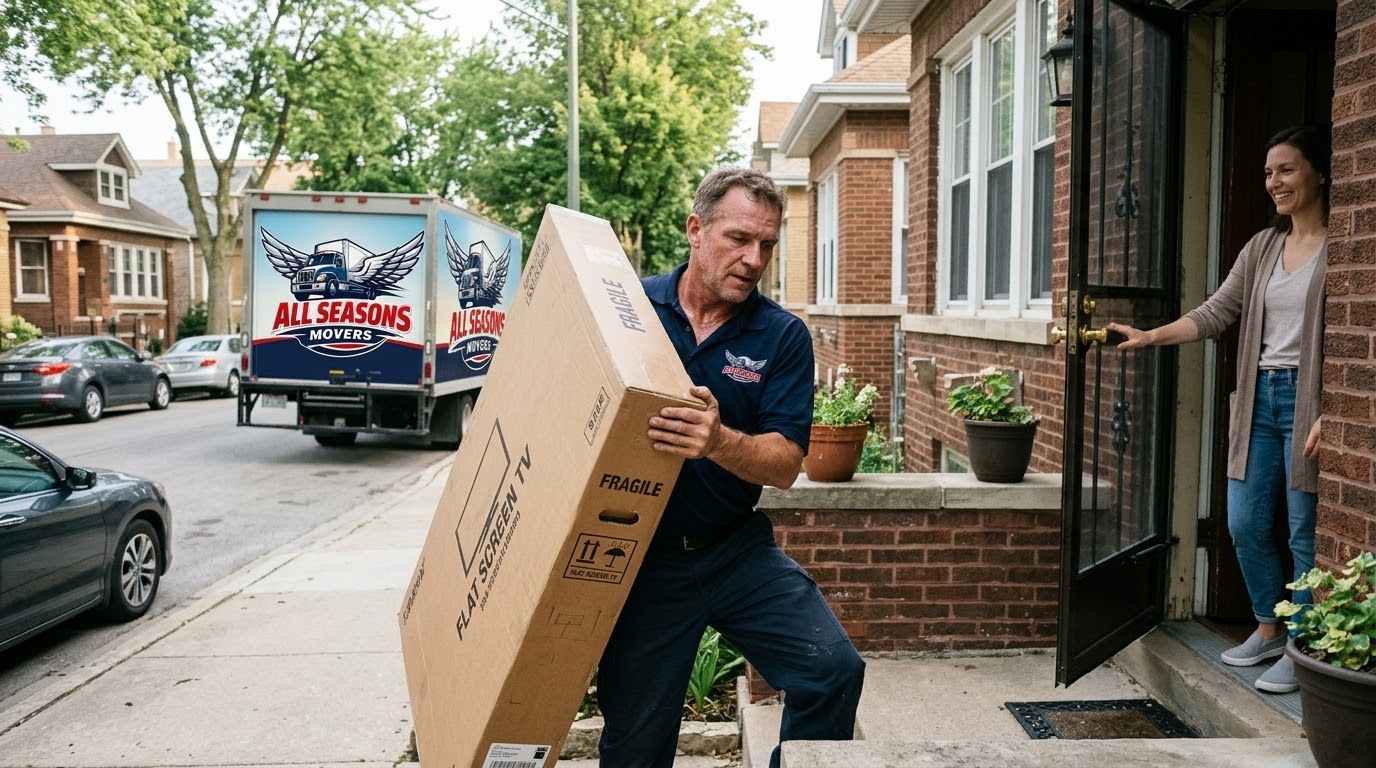
Use the original box if you have it. Manufacturer boxes come with foam made for your exact model, which is why Storage Cafe calls them the gold standard.
No box? Build protection. Fit foam corner guards, wrap the set in a moving blanket, and keep tape off the glass. Skip newspaper on screens, as Two Small Men advises.
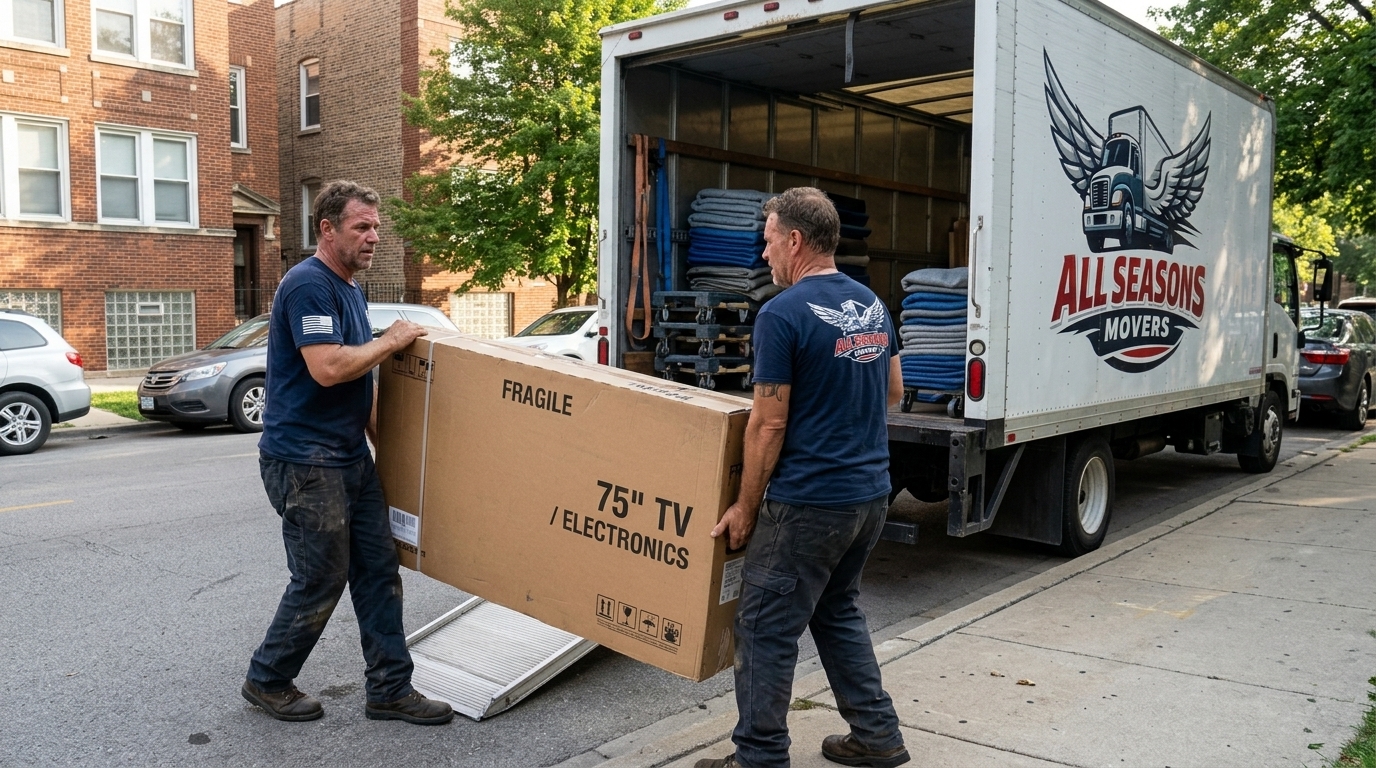
Keep it upright, always. Laying a TV flat lets the panel flex under its own weight. OLED sets are the most fragile, and most manufacturers recommend upright transport. Mark the box so nobody flips it.
Computers, Monitors and Printers
Desktop towers deserve the same care as a laptop. Remove any loose discs, wrap the tower in anti static bubble wrap, and pack monitors upright with padding on both sides. For printers, remove ink or toner and tape down trays so nothing rattles. Pack each device on its own, because stacked gear rubs and scratches.
Consoles, Routers and the Small Stuff
Take game discs out of consoles, wrap each console in soft padding, and box it snugly so it cannot slide. Routers, streaming sticks and remotes go in a labeled bag taped inside the matching device box. Remove loose batteries and carry them separately, since Zero Max Moving warns that batteries touching metal can short circuit.
Chicago Weather and Your Gear
Chicago winters are rough on electronics. A screen that rides in a freezing truck needs time to adjust, so Angi advises letting a cold TV warm up for a couple of hours before powering it on. In cold months, wrap devices in clothes or sheets for insulation and consider carrying the most sensitive pieces in your own car. Pack electronics last and unload them first so they spend less time exposed.
Fuel, Freight and Your Moving Day Plan
Fuel is part of the logistics picture too. Diesel in the Chicago area hit a record $6.30 a gallon in May, and the national average sat near $6.13 in early November after a small dip. Higher fuel costs ripple into trucking rates, so booking early and keeping your inventory tight helps. Fewer boxes and better packed loads mean fewer truck hours, and that is one more reason to pack smart.

Packing Day Mistakes to Avoid
Forgetting to remove TV base legs before wrapping.
Leaving power cords plugged in during transport.
Stuffing every cable into one box.
Plugging in a cold device right after unloading.
When Professional Help Is Worth It
Large sets, wall mounted systems and home theaters are where DIY gets expensive. A crew that handles screens every week knows how to carry, wrap and secure them. The crew at All Seasons Movers works with delicate items like these daily, and our moving day prep checklist and packing services page can help you plan the rest.
Document Your Gear Before It Moves
Here is an angle most guides skip. Photograph each device, including its serial number and any existing scratches, before it is wrapped. If a claim ever comes up, dated photos and a simple inventory list show what you owned and what condition it was in. Store the list in your phone so it travels with you, not in a box.
Unpacking and Setting Up Without Panic
Give every device time to reach room temperature before plugging it in, especially after a cold ride. Use your connection photos to rebuild each setup, starting with the TV, then the console, router and speakers. Power everything on and check each screen for dark patches or dead zones right away. If you spot an issue, photograph it and report it while the move is fresh.
Your Quick Electronics Checklist
Back up data and sign out of accounts.
Photograph cable setups and serial numbers.
Gather original boxes, foam and anti static wrap.
Bag hardware, batteries and remotes by device.
Mark every electronics box fragile and this side up.
Tell your movers which items must stay upright.
Ready to Move Your Electronics Safely?
Take it one device at a time, label as you go, and keep every screen upright. Do those three things well and your electronics will arrive ready to plug in, with no cracked panels and no missing cables waiting to surprise you.
Packing a TV is a small job that prevents a big loss, and you do not have to do it alone. Whether you need full service help or just a crew to carry the heavy items, All Seasons Movers is ready to help your move go smoothly. Call us at (872) 465 8685 or visit our local movers Chicago page to get started today.